
Publish Your React App to FREE Firebase Hosting
WWYL (what will you learn):
- How to publish a React app to Firebase Hosting for FREE
Firebase Hosting is fast, secure, and easy to set up. Best of all, it's free — you won't pay unless you have super high traffic volumes. It's a great option for side projects, portfolios, and demos.
Pre-requirements:
- React.js knowledge
- Free Firebase Account (https://firebase.google.com/)
Step 1: Create a React App
npx create-react-app my-app
cd my-app
npm start
Steps 2–13: Connect React to Firebase Hosting
2. Install Firebase CLI tools globally:
npm i -g firebase-tools
3. Authenticate with your Google account:
firebase login
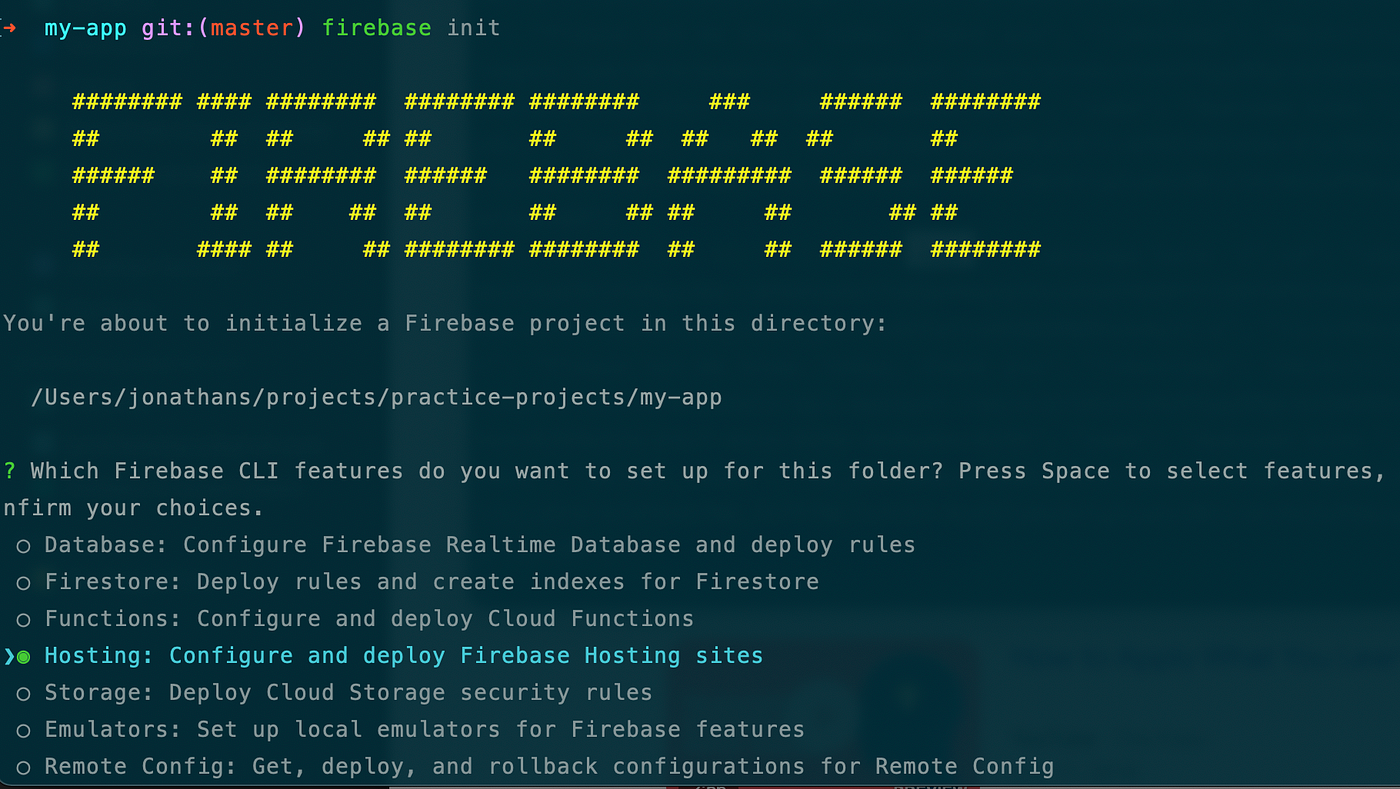
4. Initialize Firebase in your project folder:
firebase init
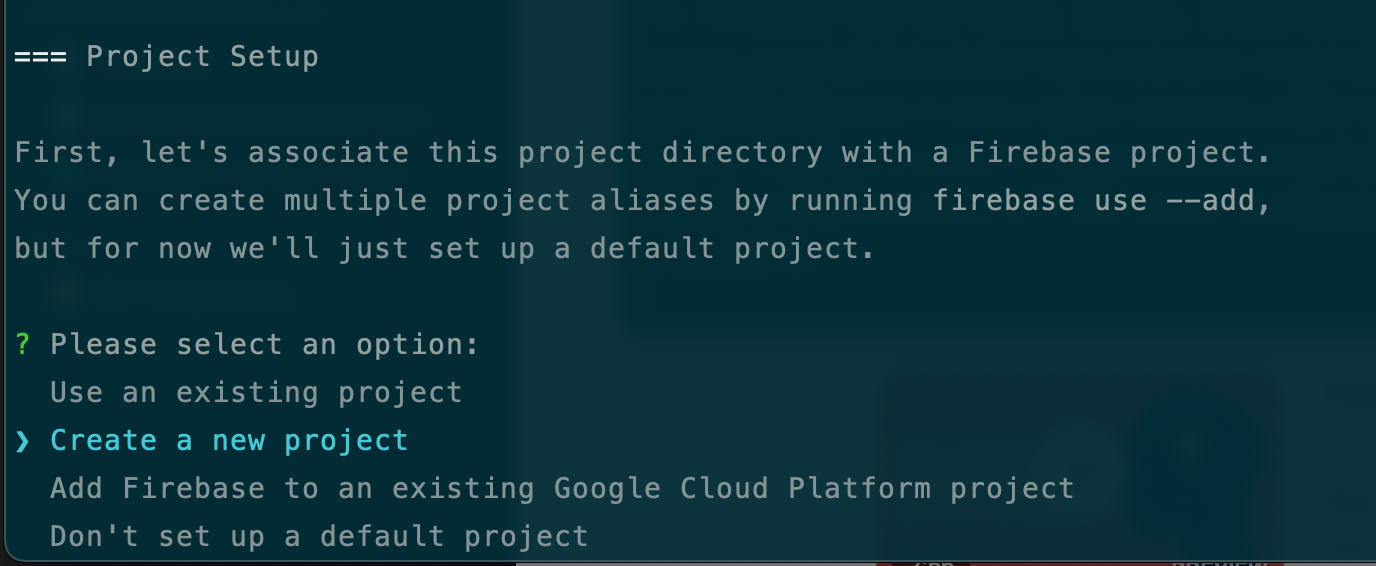
5. Select Hosting using the spacebar, then press Enter
6. Choose "Create a new project"

7. Enter a unique project name (example: my-app-js-21)
8. Confirm Firebase setup (press Enter to accept defaults)
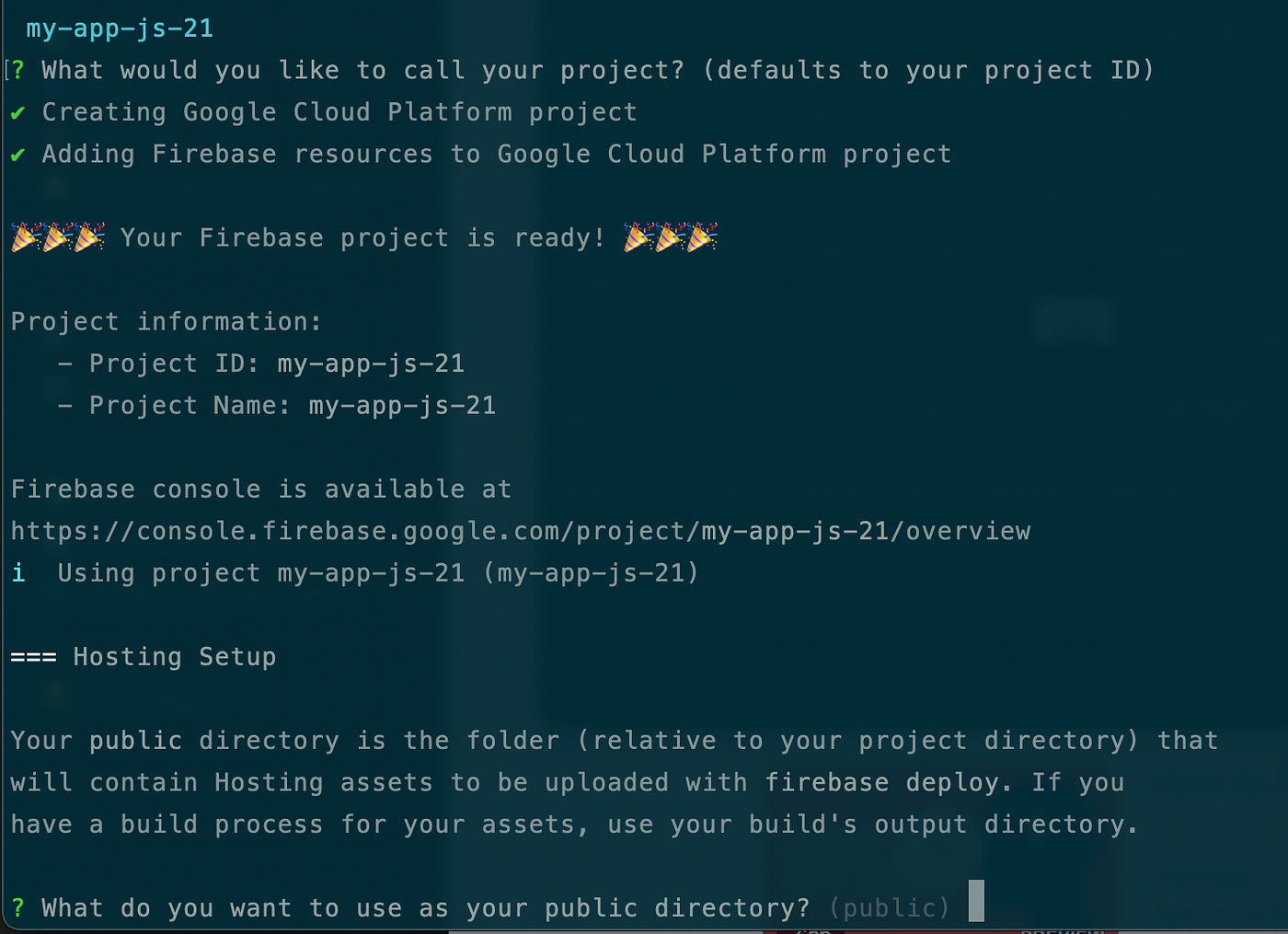
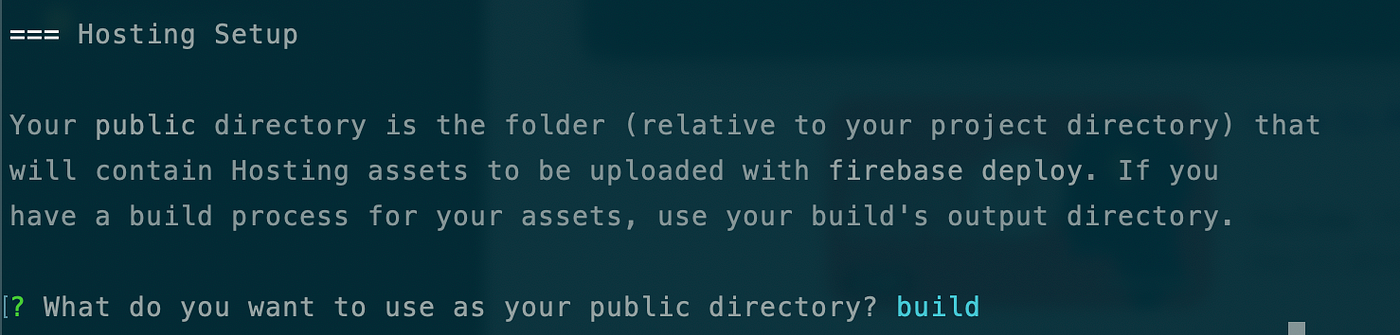
9. Set the public directory to build (not public — this is the compiled output folder)
10. Configure as a single-page app: YES
11. Automatic GitHub deploys: NO
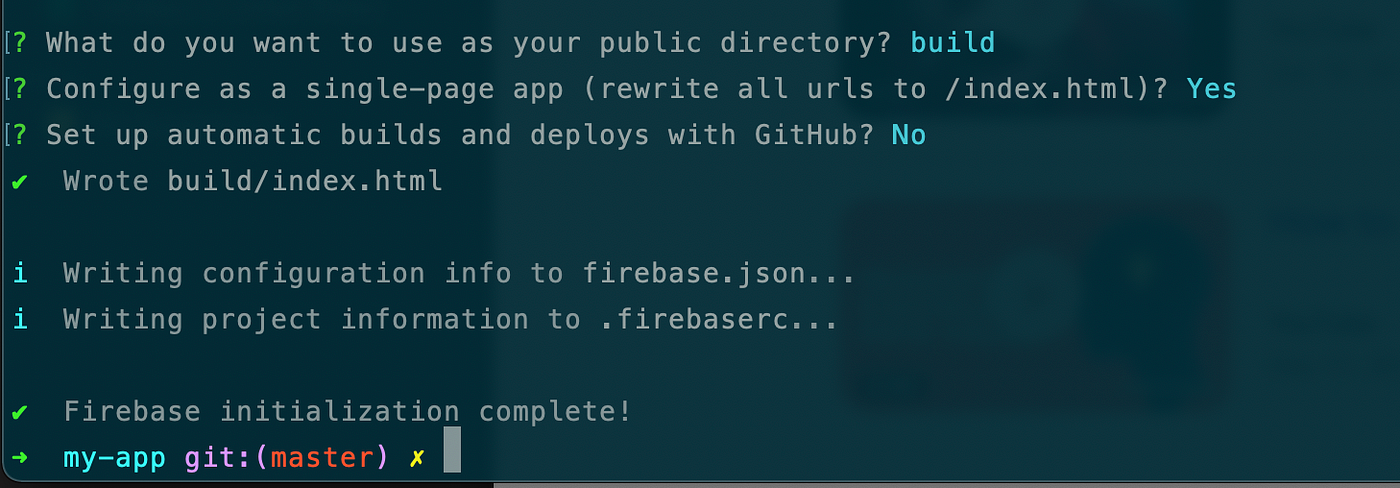
The firebase init process will generate firebase.json and .firebaserc config files — leave these as-is.
12. Build your React app:
yarn build
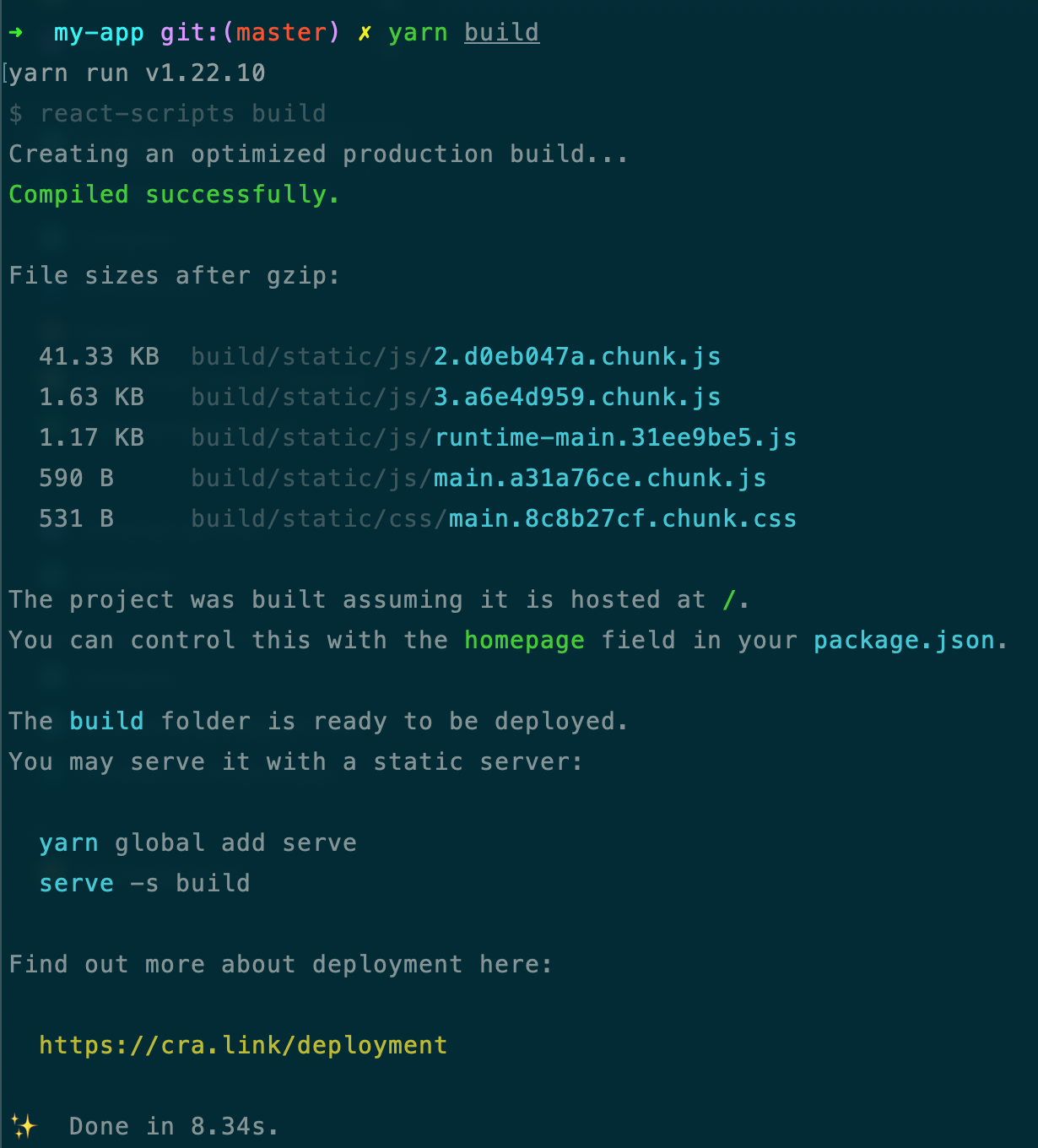
13. Deploy to Firebase Hosting:
firebase deploy
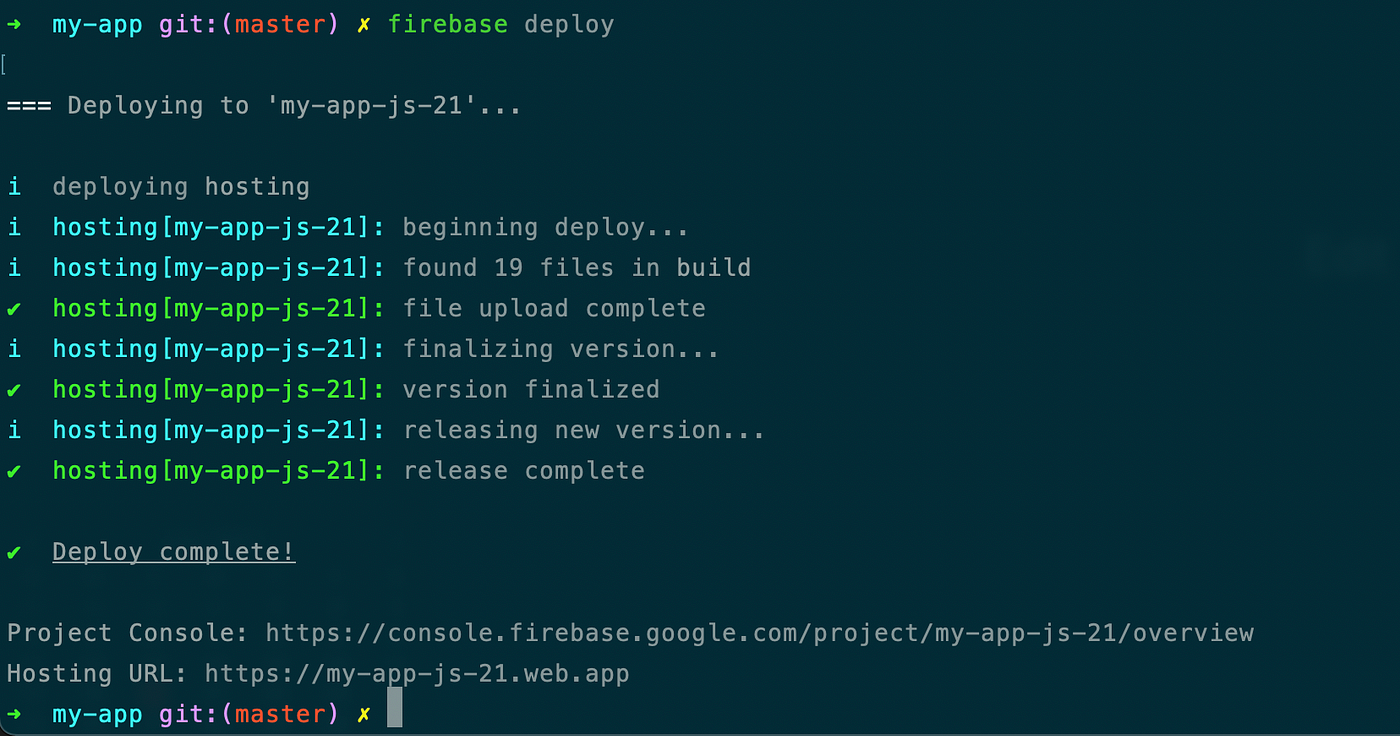
Result
Your live app URL will follow this format:
https://my-app-js-21.web.app
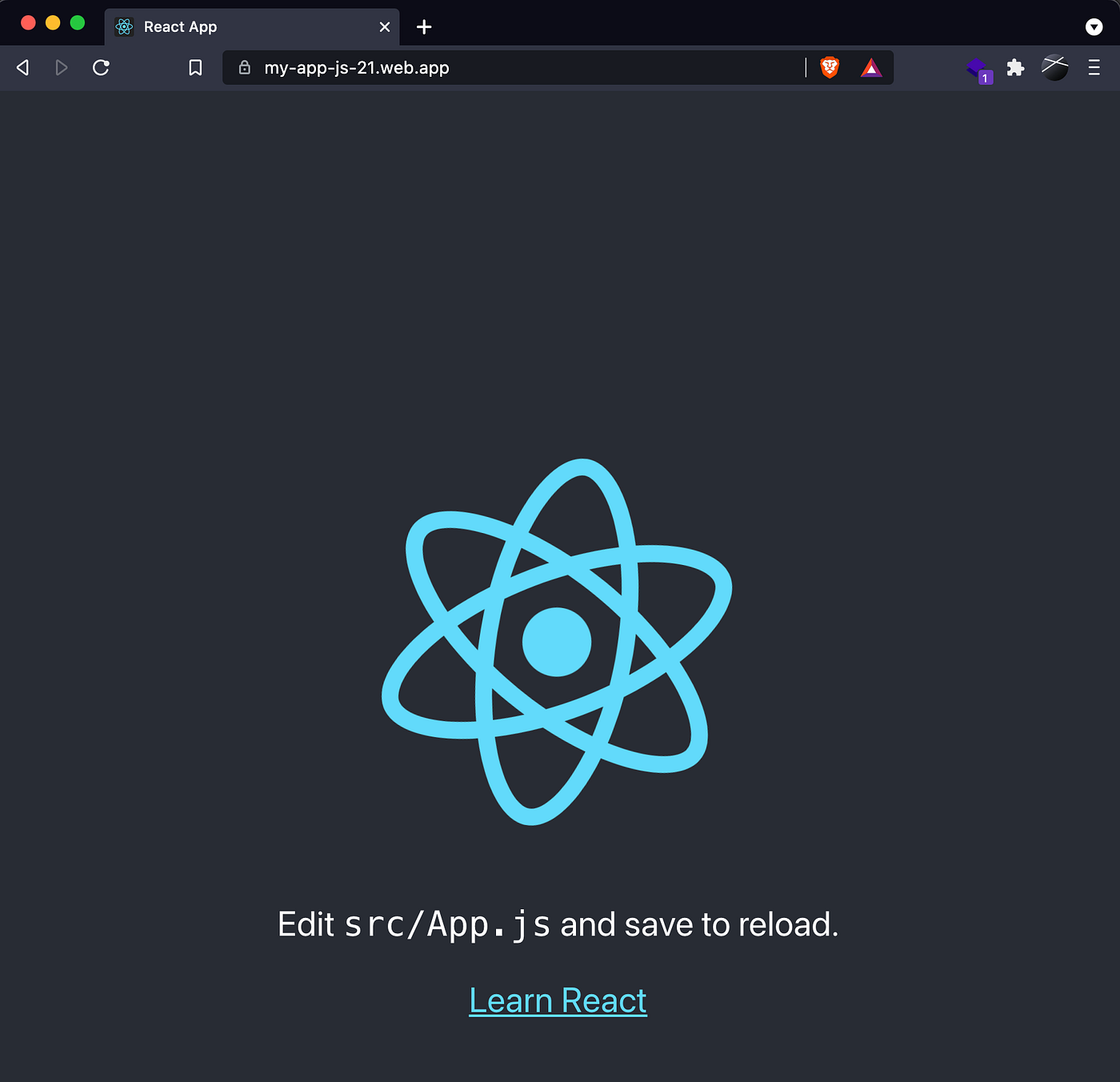
🎉 That's it — your React app is live on Firebase Hosting. Every time you want to push an update, just run yarn build && firebase deploy.