
How to Deploy Node Express API to Vercel Serverless Functions

Your parents are proud of your Node API running locally on localhost:4000. Now let's make it public — without worrying about servers, security groups, or SSH keys.
Vercel is best known for frontend deployments, but it handles Node Express APIs too by wrapping your app in serverless functions. Every push to main triggers an automatic redeploy. It's one of the smoothest deployment experiences I've used.
If you want the full server approach instead, check out my guide on deploying to AWS EC2 Ubuntu.
Pre-requisites
- Free Vercel account at vercel.com/signup
- Node.js and NPM installed locally
- An existing Express API (or follow along to create one)
Step 1: Create Express API with Node
mkdir node-api-vercel
cd node-api-vercel
npm init -y
touch index.js vercel.json .gitignore
npm i express
You'll need three boilerplate config files — .gitignore, index.js (your Express app), and vercel.json (tells Vercel how to handle routing). The full boilerplate is available in the node-api-vercel repo.
[Code snippet available on Medium]
The vercel.json config is what makes this work — it routes all incoming requests through your Express app as a serverless function.
Step 2: Connect Local API to GitHub
- Create a repository named
node-api-vercelon GitHub - Follow GitHub's instructions to connect your local repo
- Push the
node-api-vercelfolder to GitHub
Step 3: Connect Vercel to GitHub Repository
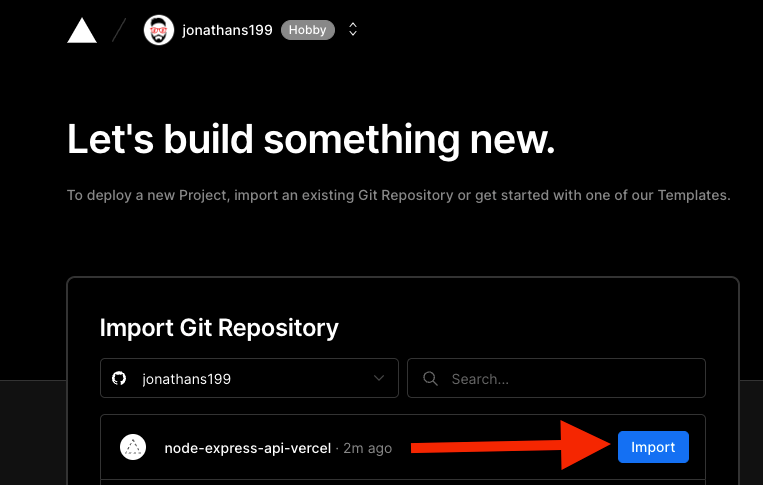
- Log into your Vercel account
- Click "New Project"
- Select your
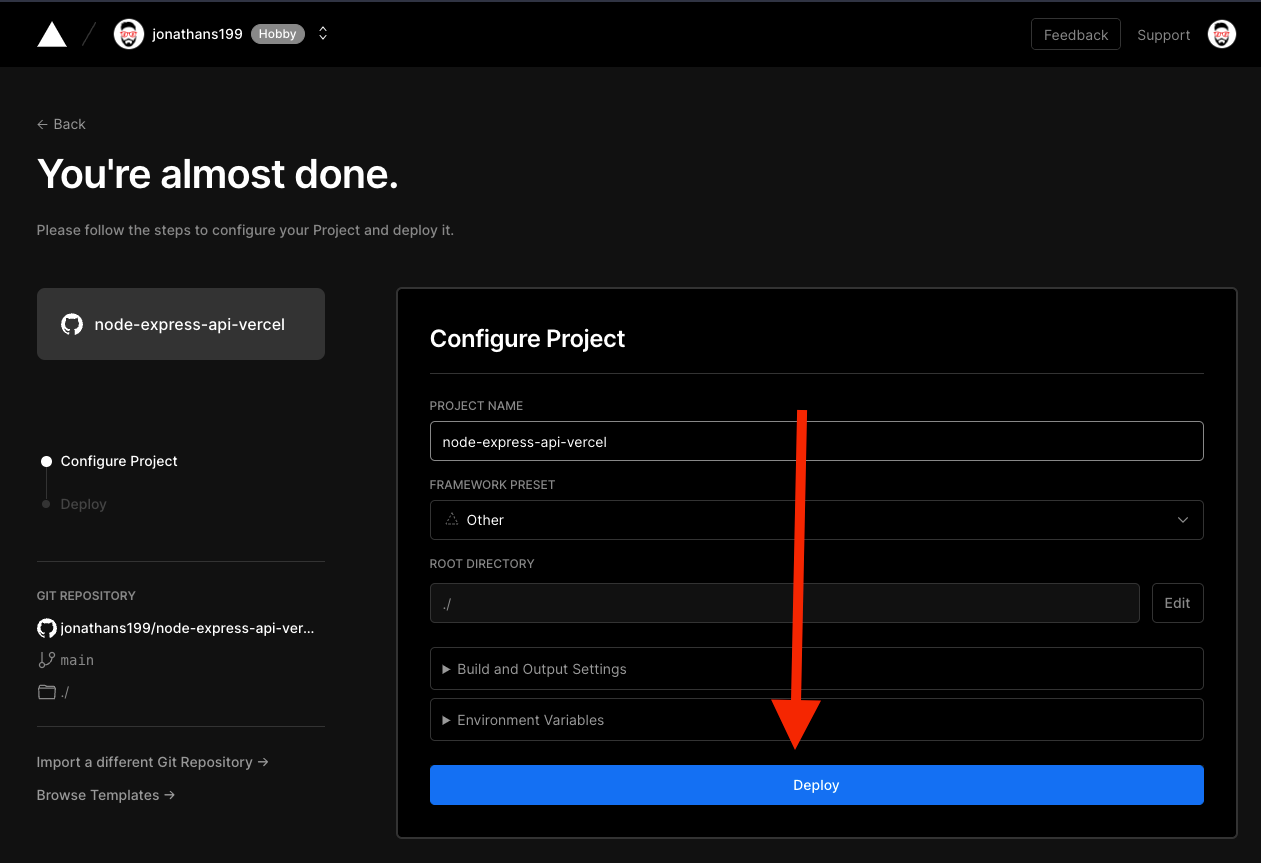
node-api-vercelGitHub repository - Review the deployment settings (defaults work fine)
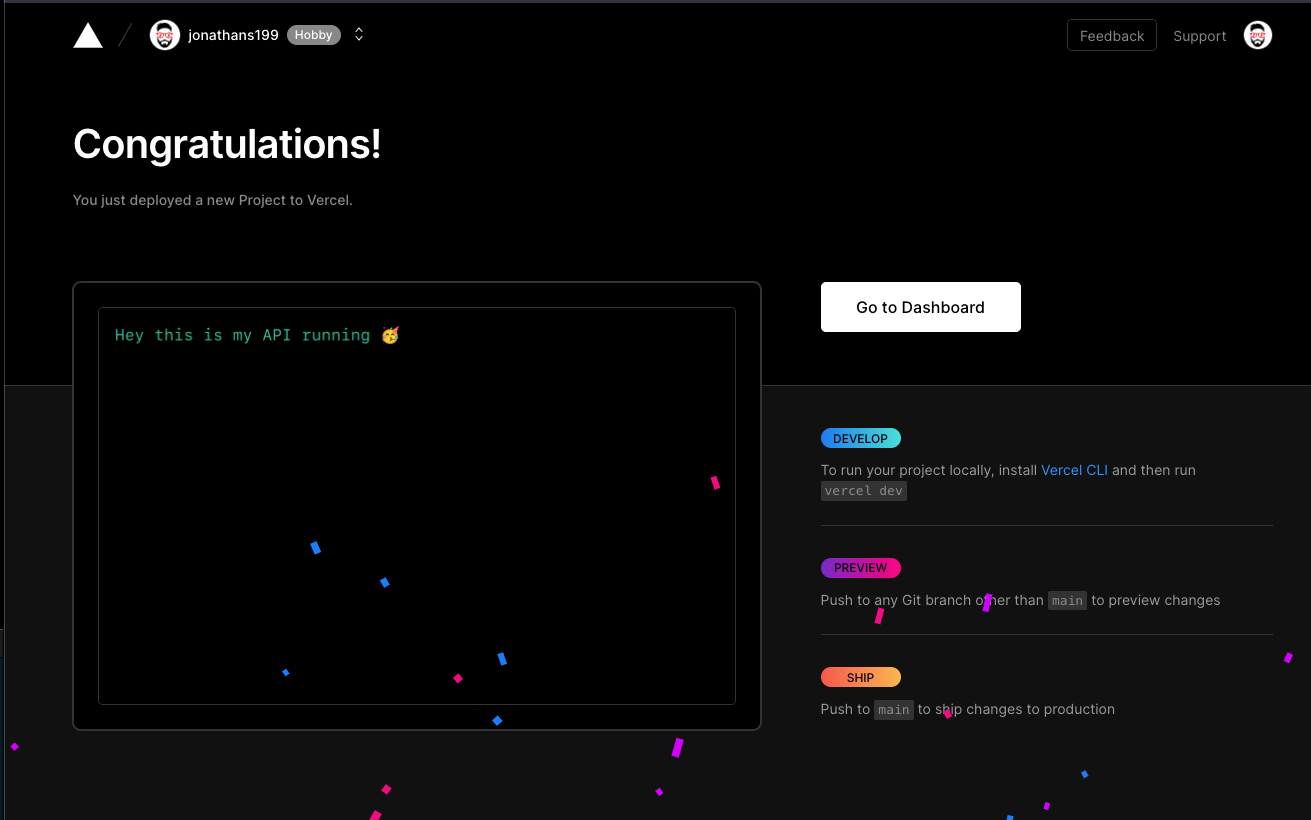
- Click Deploy and wait for the confirmation screen
Step 4: Monitor Automatic Deployments
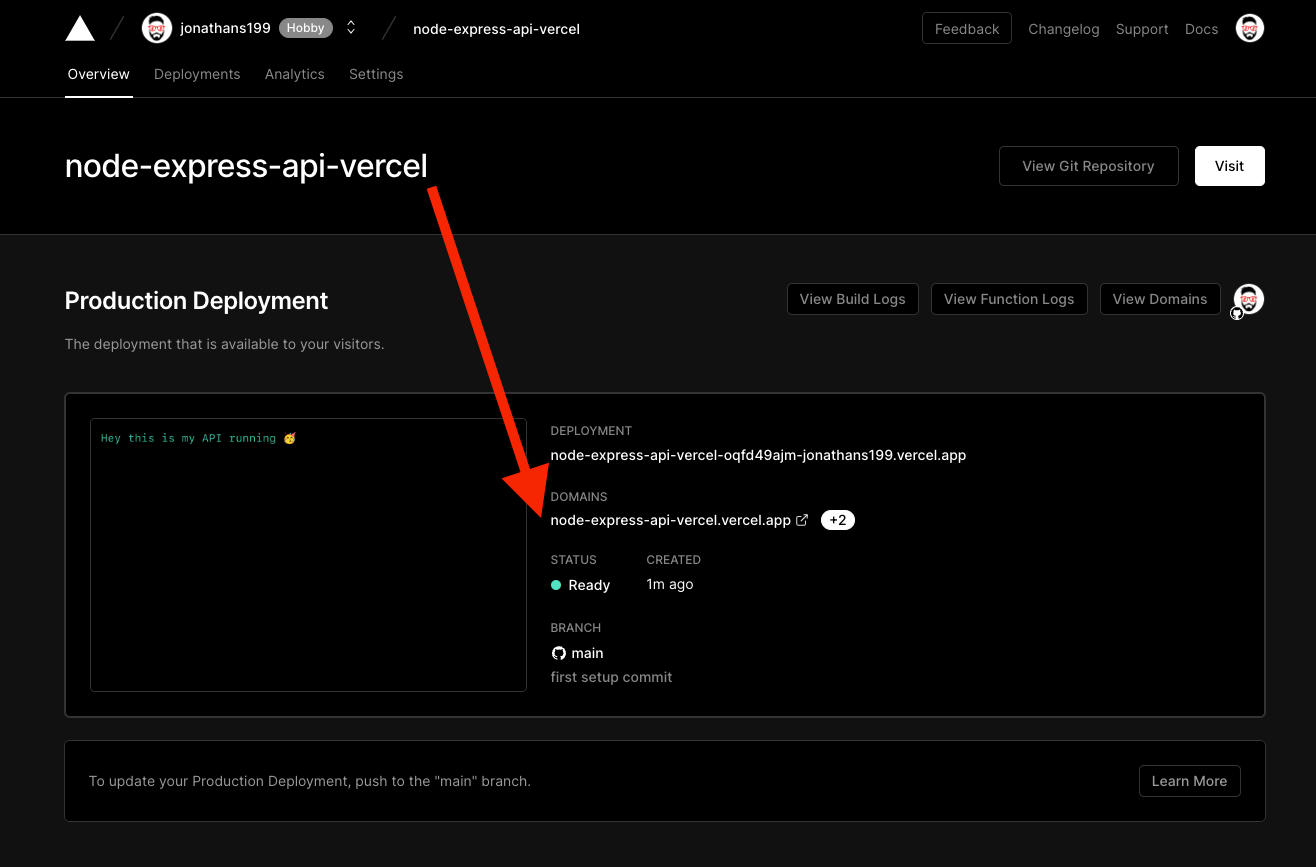
From this point on, every git push to the main branch triggers a new deployment automatically. You get a deployment log, a preview URL for each push, and instant rollbacks if something goes wrong.
Result
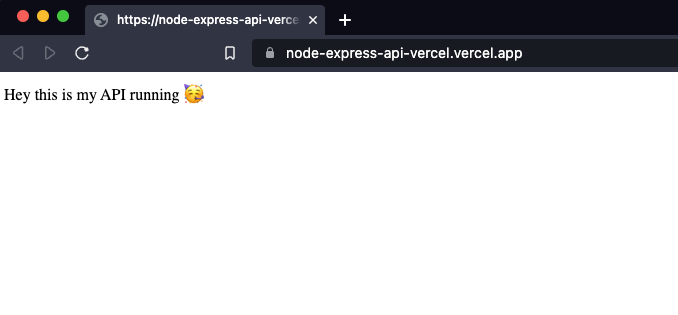
Your API is accessible at a URL like:
https://node-express-api-vercel.vercel.app/
How Vercel Serverless Works
When you deploy an Express app to Vercel, it doesn't run a persistent Node process. Instead, Vercel converts each route into an independent serverless function that spins up on demand. For most APIs — especially ones without long-running connections or WebSockets — this is completely transparent and actually cheaper to run at low traffic volumes.