
Node.jsTypeScriptExpressAPI
How to Create a Simple Node API with TypeScript

If you don't have a project already let's create one from scratch
- Create a new project folder
$ mkdir node-api-ts
- Go into the created project folder and initialize npm in the project
$ cd node-api-ts

# this initializes npm and creates a new file called package.json with defaults
$ npm init -y
- Make a src folder and a index.ts file inside
$ mkdir src && cd src && touch index.ts && cd ..
Now let's implement Typescript on the project
- Make sure you have Typescript installed on your computer
# this tells you what version of Typescript you have installed
$ tsc -v

# for example my version is 5.0.2
$ Version 5.0.2

# if you don't get a version number is because is not installed yet
# so lets install it globally on your computer with this command
$ npm i -g typescript

# then check again if it gives you the version with tsc -v
- Initialize Typescript in your project
# this will create a tsconfig.json file in your root folder
$ tsc --init
- Update some properties in the tsconfig.json file
{
 "compilerOptions": {
  "target": "es2016",
  "module": "commonjs",
  "rootDir": "./src",
  "outDir": "./build",
  "esModuleInterop": true,
  "forceConsistentCasingInFileNames": true,
  "strict": true,
  "skipLibCheck": true
 }
}
- Add NPM packages to the project
# install express and cors
$ npm i express cors

# the -D will install this package into the devDependencies
$ npm i ts-node @types/express @types/cors -D
- Let's configure the project to use type: module so we could use import rather than require to use the NPM packages
# in package.json add the following line

"type": "module",
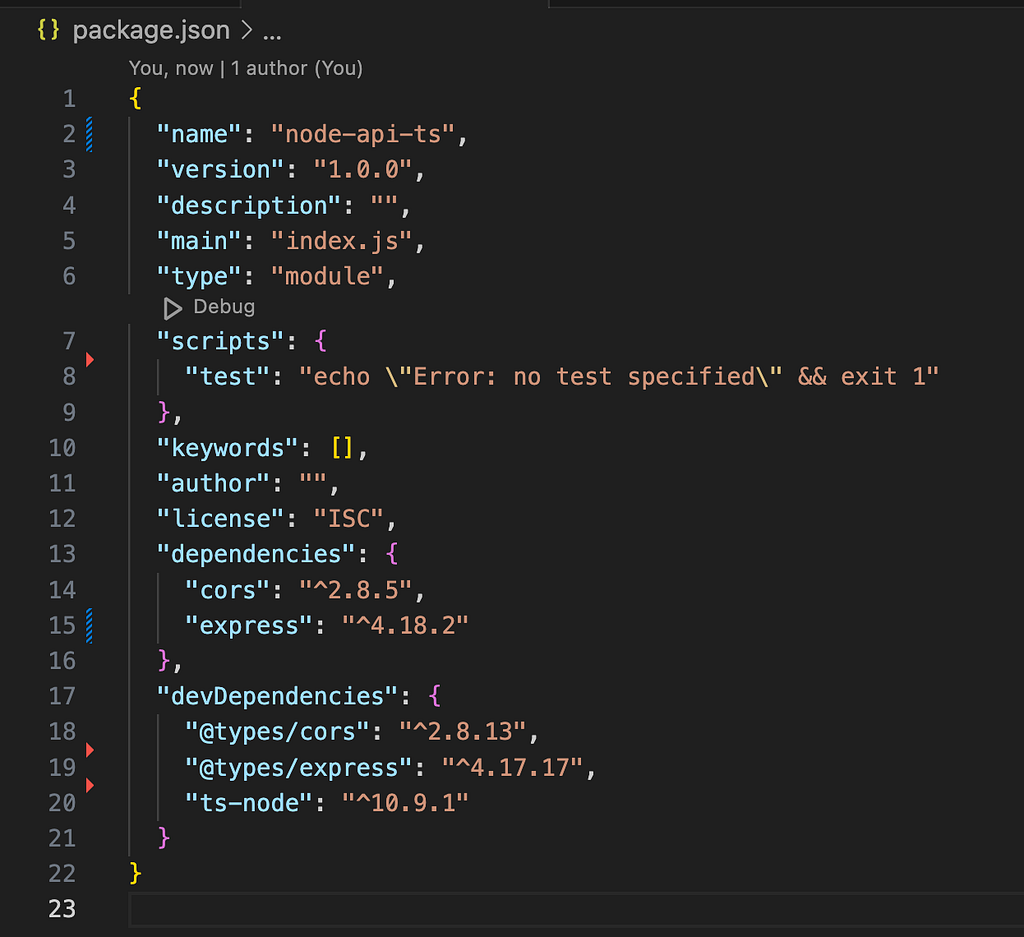
- Now let's add some code to the index.ts file
// src/index.ts
// minimal Express API

import express, { Request, Response } from 'express'
import cors from 'cors'

const app = express()

app.use(cors())
app.use(express.json())

app.get('/', (req: Request, res: Response) => {
 res.json({ greeting: 'Hello world!' })
})

app.listen(4000, () => console.log('api listening on PORT ', 4000))
- Manually let's trigger the typescript compiler which basically creates the build folder and generates the .js files from the .ts files
# run the typescript compiler with
$ tsc
- Nodemon installed?
# check if you have nodemon installed with:
$ nodemon -v

# if it does not gives you a version number then install it with:
$ npm i -g nodemon
- Finally let's add a start script to package.json that will allow Nodemon to listen to the .TS files changes
"scripts": {
  "start": "nodemon --exec ts-node-esm ./src/*.ts",
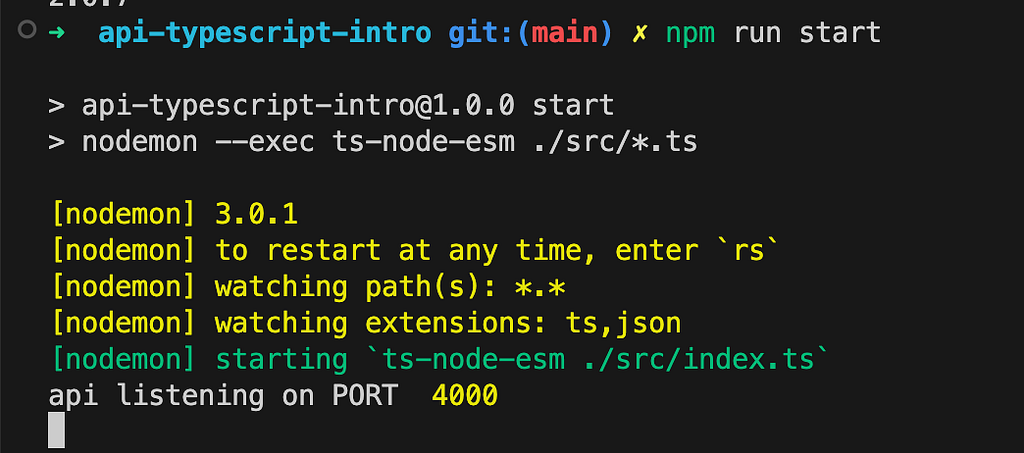
Now you should be able to listen to your .ts files with
npm run start
Enjoy 🍻